

How to Choose a PDF Summary Tool
When choosing a PDF summary tool, check table handling, source review, structure, editing, and sharing features.
There are many PDF summary tools, but they do not all solve the same problem. A good tool should help you review, edit, and reuse the PDF, not only produce a short paragraph.
Summary Quality Is Not Enough
A fluent summary is not automatically a reliable summary.
You need to know whether the PDF's structure and evidence are preserved.
Check Tables and Figures
PDFs often place critical information in tables and figures.
A useful tool should make it possible to check whether those elements are reflected.
Return to the Source
If a summary sounds plausible but cannot be traced back to the original document, it is risky.
Page or section-level source review is valuable.
Editing and Reuse Matter
A summary is a draft. In real work, you often need to edit, reorganize, or share it.
Structure and editing support are important criteria for PDF summary tools.
Where Brify Fits
Brify focuses on turning PDFs into structure maps that can be reviewed and reused.
That is useful when you need more than a quick summary.
A Practical Workflow
To apply how to choose a pdf summary tool in real work, do not start by reading every page from beginning to end. First decide what the document is for and how you will use it later. Long documents do not give every paragraph the same weight.
Start by writing one sentence for the question the document is trying to answer. Then scan the table of contents or section headings to divide the document into large blocks. For each section, separate the main claim, supporting evidence, numbers, conditions, exceptions, and next actions.
This turns the document into reusable material rather than a one-time summary. Reports, PDFs, manuals, meeting decks, and policy documents are often used again later for comparison, explanation, decisions, or follow-up work.
How to Structure It in Brify
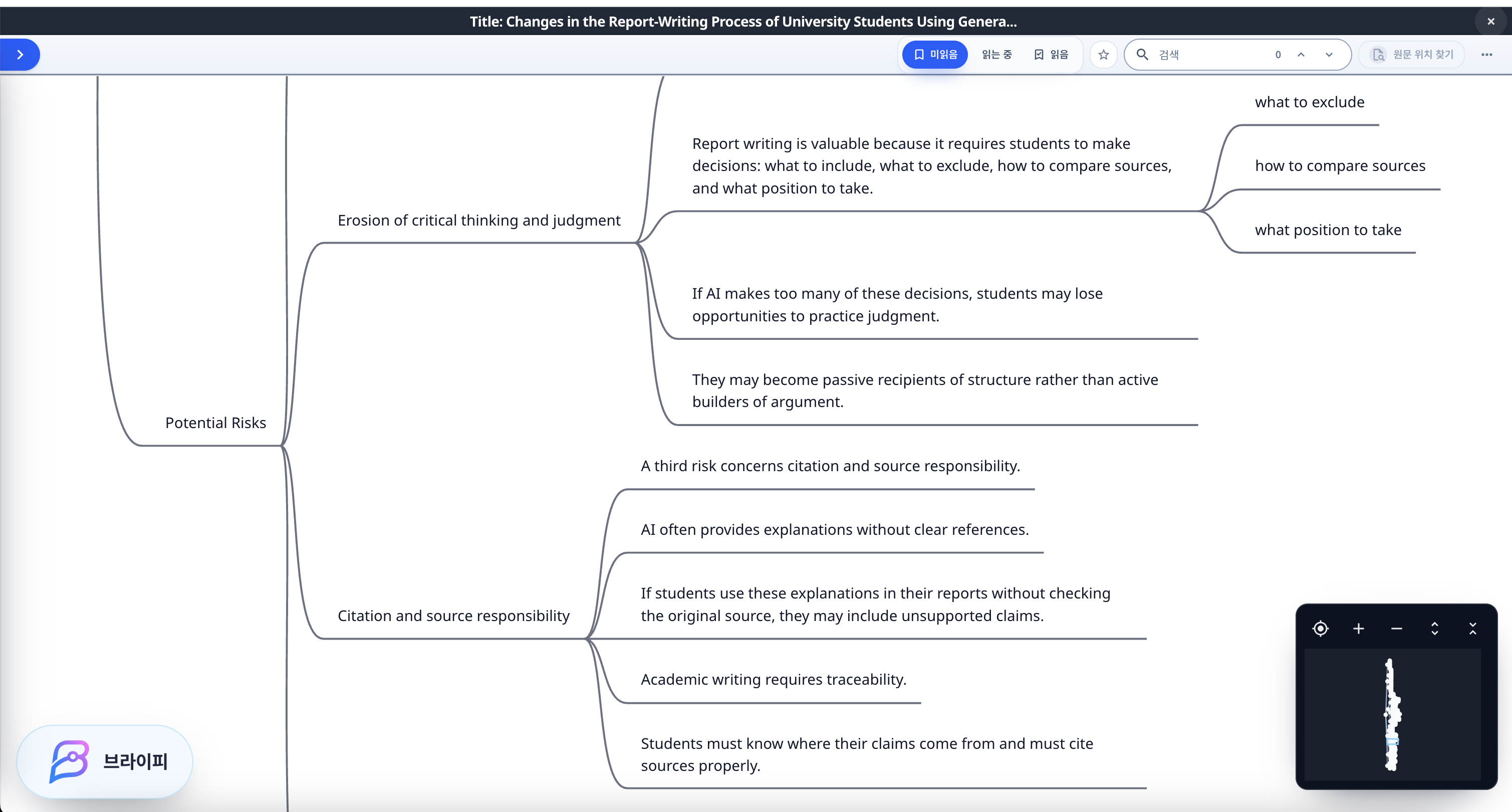
In Brify, you can organize PDF summary tool with nodes such as document purpose, main conclusion, key evidence, tables and numbers, important conditions, open questions, and next actions.
The longer the document is, the more dangerous it is to collect only impressive sentences. You need to keep the relationship between claim, section, evidence, and condition visible. A structure map makes those relationships easier to review.
It also helps to separate what is already clear from what still needs checking. AI summaries are useful, but long documents often contain tables, exceptions, footnotes, appendix details, or layout cues that deserve a second look.
Common Mistakes
The first mistake is reducing a long document to one short paragraph. That may help you scan quickly, but it often leaves you unable to find the original evidence later.
The second mistake is trusting the title and conclusion too quickly. In reports and manuals, conditions and exceptions can matter more than the conclusion itself.
The third mistake is ignoring PDF layout. Tables, figures, footnotes, boxed text, and appendices can contain crucial information. Document structuring should preserve how information is arranged, not only what the main text says.
What to Do Today
If you want to start working on PDF summary tool today, choose one long document and mark only the title, table of contents, conclusion, tables, and important conditions first. Build a map of the document before trying to understand every line.
Then write one sentence for each major section: why might I need this section later? If the answer is clear, keep it in the structure map. If the answer is weak, treat it as background information.
Small starts are enough. What matters is leaving behind a structure that helps you find, compare, explain, or reuse the document later.
Final Thoughts
When choosing a PDF summary tool, look for verifiable structure, not only short output. Brify helps you review PDF summaries as maps.