

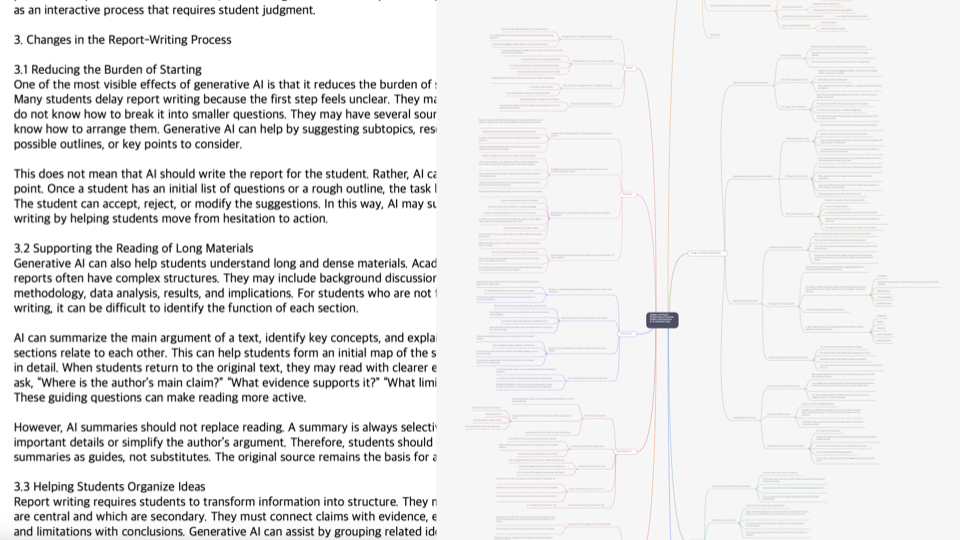
How to Extract Key Concepts From Lecture Videos
Extract key concepts from lecture videos by separating definitions, examples, counterexamples, applications, and review questions.
After watching a lecture video, it is common to feel that you heard a lot but cannot explain the material clearly. That usually happens because concepts, examples, counterexamples, and applications are mixed together.
Why Lecture Notes Become Too Long
If you write down almost everything, your notes get longer but not necessarily clearer.
Without separating core concepts from supporting explanation, review becomes difficult.
Separate Core Concepts From Support
A core concept is a term or idea that helps you understand other parts of the lecture.
Supporting explanation helps clarify the concept but should not be treated as the concept itself.
Connect Examples and Counterexamples
Examples are hard to use later if they are isolated.
Connect each example and counterexample to the concept or condition it demonstrates.
Mark Points for Exams or Assignments
Lecture video notes should be shaped by how you will use them later.
Mark concepts that may appear in exams, cases that may help with assignments, and parts you need to explain again.
Build Concept Notes in Brify
Brify lets you place a concept at the center and connect examples, counterexamples, and questions around it.
That structure is more useful for review than linear notes.
A Practical Workflow
To apply how to extract key concepts from lecture videos in real work or study, first stop treating the video as something you must watch from beginning to end. A video moves in time, but useful knowledge needs to be saved by topic, question, concept, example, and conclusion.
First, decide why you are summarizing the video. Are you studying, preparing a report, collecting ideas, comparing products, or trying to understand the main point quickly? The purpose changes what you should keep.
Second, scan the title, description, chapters, and transcript. Look for the question the video is trying to answer. Third, separate the main claim or concept, supporting reasons, examples, sections to rewatch, and points that still need checking.
Fourth, do not turn the whole video into a long transcript note. Rebuild it into a structure you can search, review, and reuse later. This is especially important for long videos and lecture videos, where concepts, examples, questions, and checklists need to stay connected.
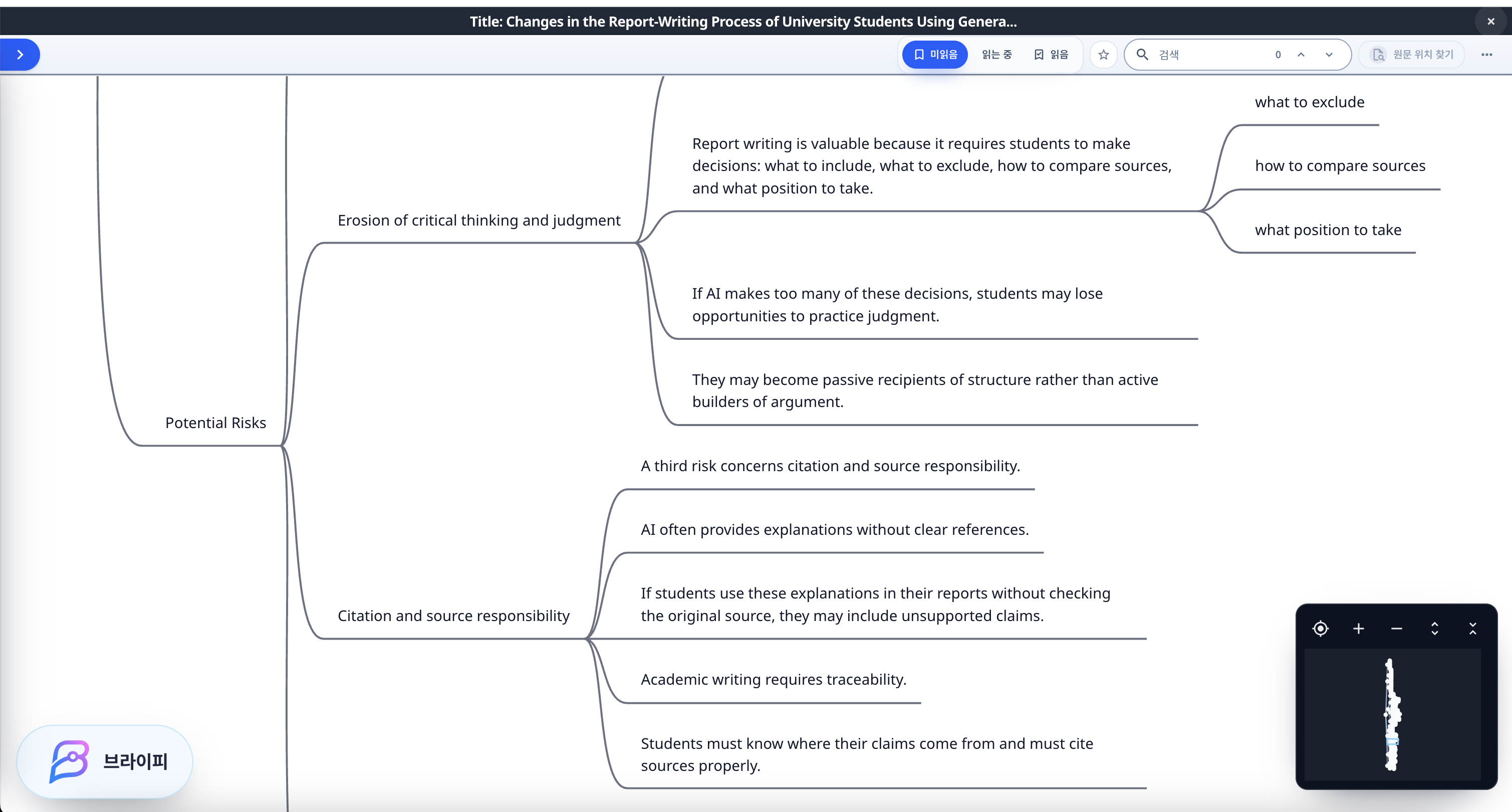
How to Structure It in Brify
In Brify, you can organize lecture notes organization with nodes such as video purpose, key question, main concepts, important examples, sections to rewatch, points to verify, and next actions.
This keeps the video from disappearing into a short paragraph. You can see what the key idea is, which example explains it, which section deserves another look, and how the video can be used later.
A structure map is also useful when you use AI summaries. Even if the AI output sounds fluent, transcripts may contain errors, context may be missing, conclusions may be overstated, and important examples may be skipped. Brify lets you separate the summary from the parts that still need review.
Common Mistakes
The first mistake is reducing the entire video to one paragraph. That may help you scan quickly, but it is weak when you later need evidence, examples, timestamps, or study notes.
The second mistake is trusting the transcript too much. Auto-generated captions can miss names, technical terms, speaker changes, and context. A transcript summary should be checked against the important parts of the video.
The third mistake is summarizing lecture videos and general YouTube videos in the same way. Lecture videos need concepts, definitions, examples, practice questions, and review prompts. General YouTube videos may need claims, cases, conclusions, and useful sections.
What to Do Today
If you want to start working on lecture notes organization today, choose one video and write only three things first: what question does this video answer, which section should I rewatch, and what part can I actually use for my work or study?
Then place the key question at the center of a Brify map and connect concepts, examples, reasons, and rewatch sections around it. You do not need to organize the whole video perfectly. What matters is leaving a structure that helps you regain the context later.
Video organization is not about saving more videos. It is about making the videos you already watched findable and useful again.
Final Thoughts
Good lecture notes preserve relationships, not just words. Use Brify to connect concepts and examples into notes you can actually understand later.