

How to Clean Up a Structure Map That Feels Too Complex
Learn how to clean up a structure map by merging duplicate nodes, shortening long titles, marking unsupported claims, and removing irrelevant branches.
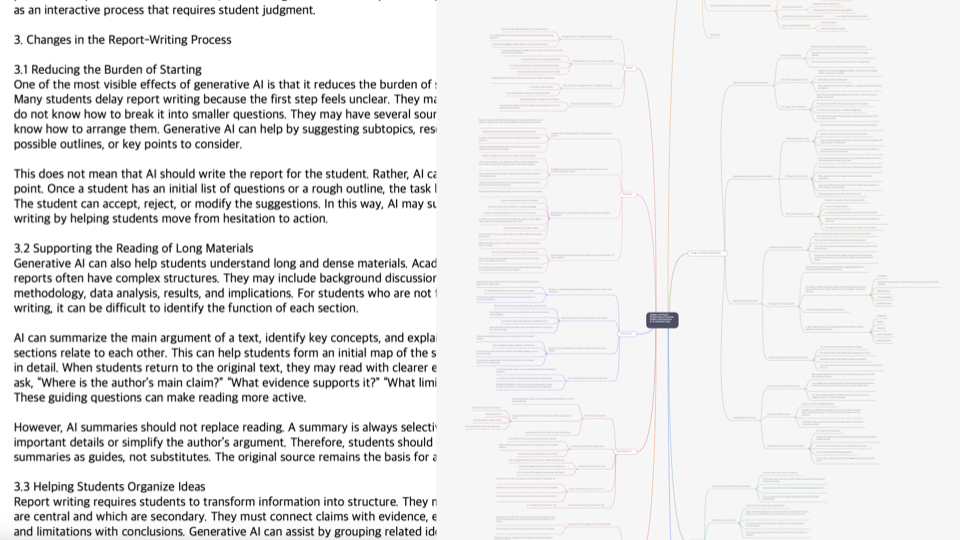
Sometimes an AI-generated structure map or a manually built map feels too complex. It has many nodes, but the important point is hard to see. Titles are long, similar branches repeat, and the map starts to feel like another long document. Cleaning up a structure map is not about making it prettier. It is about making it reusable.
Why Structure Maps Become Too Complex
A structure map often becomes complex when every part of the source material is copied at the same level. Conclusions, background details, examples, and conditions all appear with equal weight, so the flow becomes unclear.
This can also happen with AI drafts. AI can extract many items quickly, but prioritizing them for your purpose still requires human review.
Merge Duplicate Nodes and Similar Expressions
Start by finding nodes that say nearly the same thing. Merge them into one node and keep only the useful details underneath.
Reducing duplication makes the whole map smaller and helps the main flow stand out. Merging is often safer than deleting too early.
Turn Long Sentence Titles Into Short Role Names
If node titles are too long, the map becomes hard to scan. Instead of using a full sentence as a title, name the role of that node.
For example, 'users leave during the first experience because they do not understand the feature' can become 'first-use drop-off cause.' The details can remain inside the node.
Mark Unsupported Claims and Items to Verify
If a node contains a conclusion but the evidence is not visible, do not delete it immediately. Mark it as needs review so you can return to the source later.
This is especially important with AI drafts. A summary can sound plausible even when the source evidence is weak. A structure map should make those areas easier to notice.
A Cleanup Routine in Brify
In Brify, a useful cleanup order is: check duplicate nodes, shorten long titles, mark unsupported claims, and remove branches that do not match your purpose.
After this routine, the map may become shorter, but it should not become weaker. It should become closer to a structure you can use again.
What to Remember When Making a Structure Map in Brify
The most important point in How to Clean Up a Structure Map That Feels Too Complex is that the AI output should not be treated as the final answer. Brify gives you a fast starting structure for long materials, but you still need to check whether that structure fits your purpose.
After adding your material, review the main titles, child nodes, evidence, examples, and parts that need verification. If a title is too broad, narrow it. If two nodes say nearly the same thing, merge them. If a conclusion has weak evidence, mark it for review.
Once you do that, the structure map becomes more than a summary. It becomes a working document you can reread, explain, turn into a report, or bring into a meeting.
A Checklist for First-Time Users
If you are working on clean up a structure map today, check four things first: why am I organizing this material, what is the most important question, are the AI draft's conclusions separated from evidence, and where will I reuse this structure later?
When these four things are clear, the quality of the structure map becomes much more stable. The goal is not a perfect first result. The goal is to leave a structure you can review and improve.
Common Mistakes
The first mistake is trusting the result immediately after adding the material. AI can create a fast draft, but it may miss context or fail to mark the limits of the source clearly enough.
The second mistake is assuming that more nodes mean a better structure. A good structure map is not the one with the most branches. It is the one where the question, evidence, and next step are easy to see.
The third mistake is saving the structure map and never using it again. A structure map becomes more valuable when you turn it into review questions, a report outline, a meeting agenda, or a presentation flow.
Final Thoughts
If your structure map feels complex, it does not mean the result failed. In Brify, clean up duplicates, long titles, unsupported claims, and items to verify so the map becomes easier to use.